
Logging in to the Devoted Health Provider Portal
To access the Devoted Health provider portal you must have an Availity account. Availity is the multipayer portal used for claim submission, eligibility checks and other administrative tasks. The steps below explain how to create an Availity account and log in to the Devoted Health provider portal.
1. Create an Availity Account
If you don’t yet have an account, visit the Availity registration page to set one up. Enter your organization and contact information to activate the account. Availity allows you to assign separate roles for multiple users in your facility.
2. Access the Portal
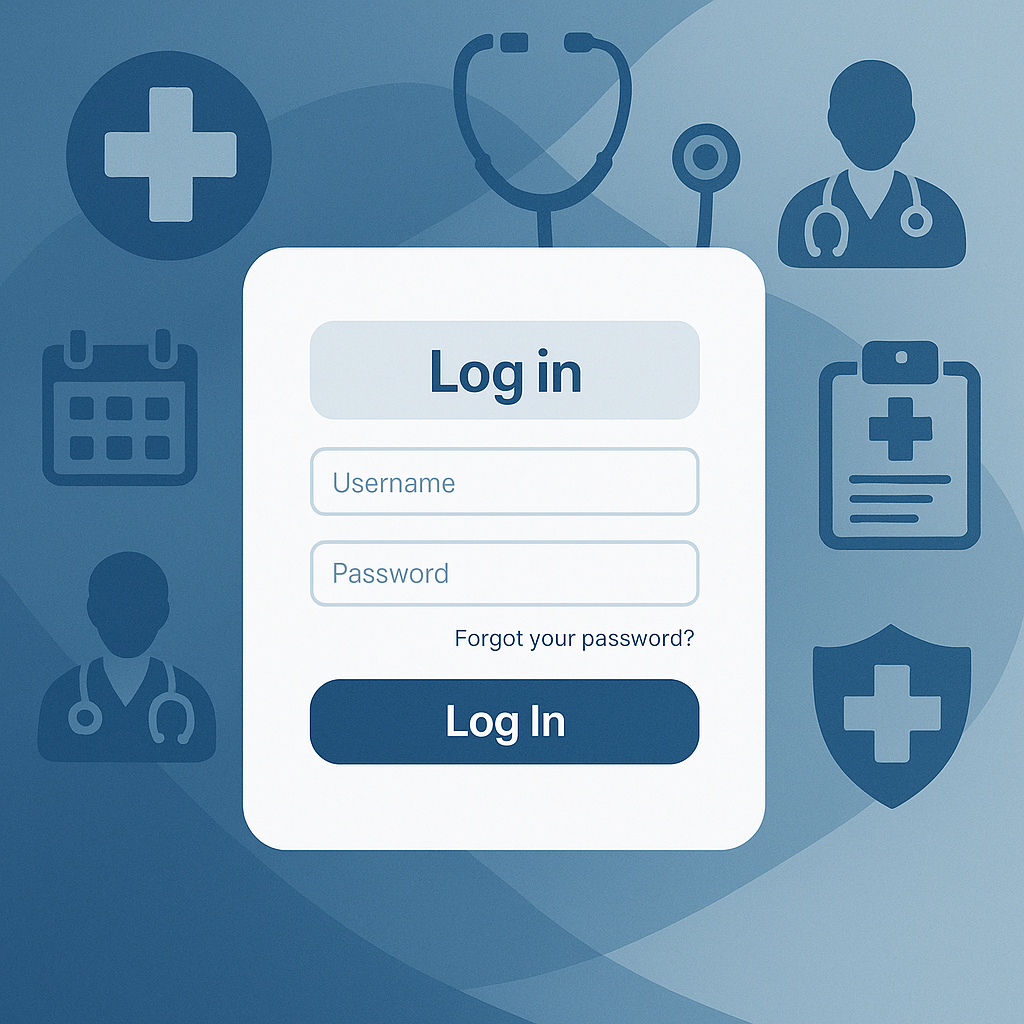
After creating your Availity account follow these steps to reach the Devoted Health provider portal:
- Log in to Availity: Sign in to Availity with your username and password.
- Find the Devoted Health payer space: In the main menu go to the “Payer Spaces” section and select Devoted Health.
- Launch the provider portal: Within the Devoted Health payer space, start the “Provider Portal” application to access real‑time tools.
If you need to grant access to multiple staff members, consult Availity’s user roles and access guide. It helps you manage access levels for claim submission, reporting and authorization requests.
3. Troubleshooting & Support
If you experience issues during login, contact Availity’s support center or ask your organization’s Availity administrator. For technical questions specific to the Devoted Health portal, call Devoted Health’s Provider Services line at 1‑877‑762‑3515 (Monday–Friday, 8 a.m.–5 p.m. local time).
Tip: Using a strong password and two‑factor authentication increases the security of your portal accounts.