
How to Check Member Eligibility & Benefit Information
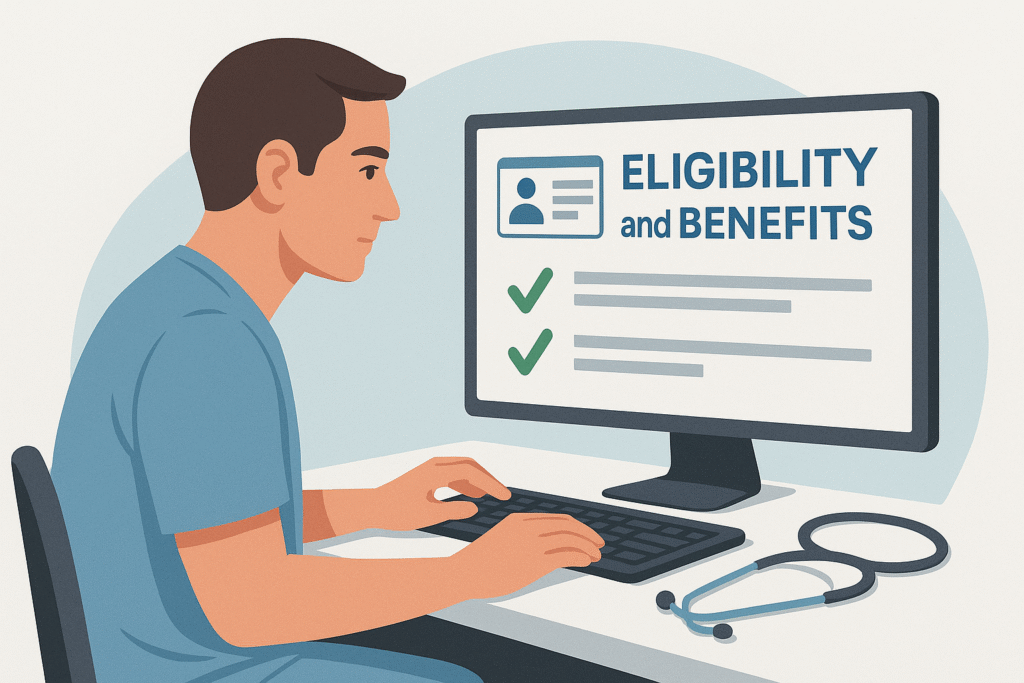
Before patient appointments it’s crucial to have up‑to‑date information about a member’s plan coverage and eligibility. You can quickly look up this information through the Devoted Health provider portal. This page summarizes how to perform eligibility and benefit inquiries using the Availity interface.
Check Eligibility via Availity
To access real‑time eligibility and coverage information:
- Log in to Availity.
- Select Eligibility and Benefits Inquiry: In Availity’s main menu, choose “Eligibility and Benefits Inquiry” under the Patient Registration section.
- Enter member information: When entering patient details, select Devoted Health as the payer.
- Review results: The next page shows real‑time information on the member’s eligibility, coverage and benefits.
These steps help you obtain accurate information quickly. Verifying eligibility reduces the risk of incorrect billing and improves patient satisfaction.
Verify by Phone
If you don’t have access to Availity, call the Devoted Health Provider Services line to confirm a member’s eligibility. The number is 1‑877‑762‑3515, available Monday through Friday, 8 a.m.–5 p.m. local time.
Benefit Details & Evidence Documents
If you need more detailed information about a member’s plan coverage, consult Devoted Health’s Evidence of Coverage (EOC) documents. By viewing the plan documents you can see the member’s full list of benefits.
Eligibility for Delegated Partners
If you work as a delegated partner you may need to perform eligibility checks through your own system. Devoted Health offers reference guides for 2025 and 2026 on this topic.